_

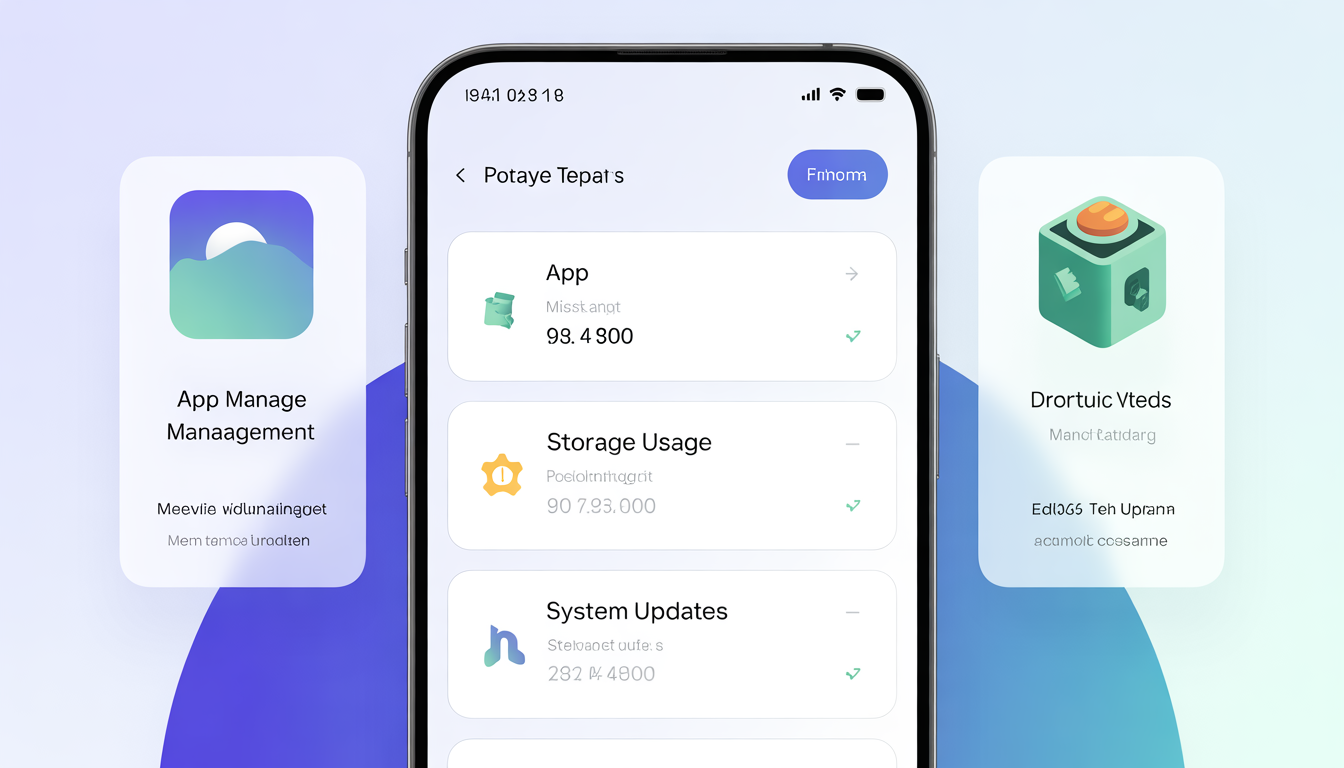

As smartphones, tablets, and computers become central to daily life, to manage phone storage, and updates has become an essential digital skill. Many users experience slow devices, constant storage warnings, or confusing update notifications simply because they don’t know how to manage their devices properly. This beginner’s guide breaks down app management, storage control, and software updates in simple terms to help you keep your devices running smoothly.
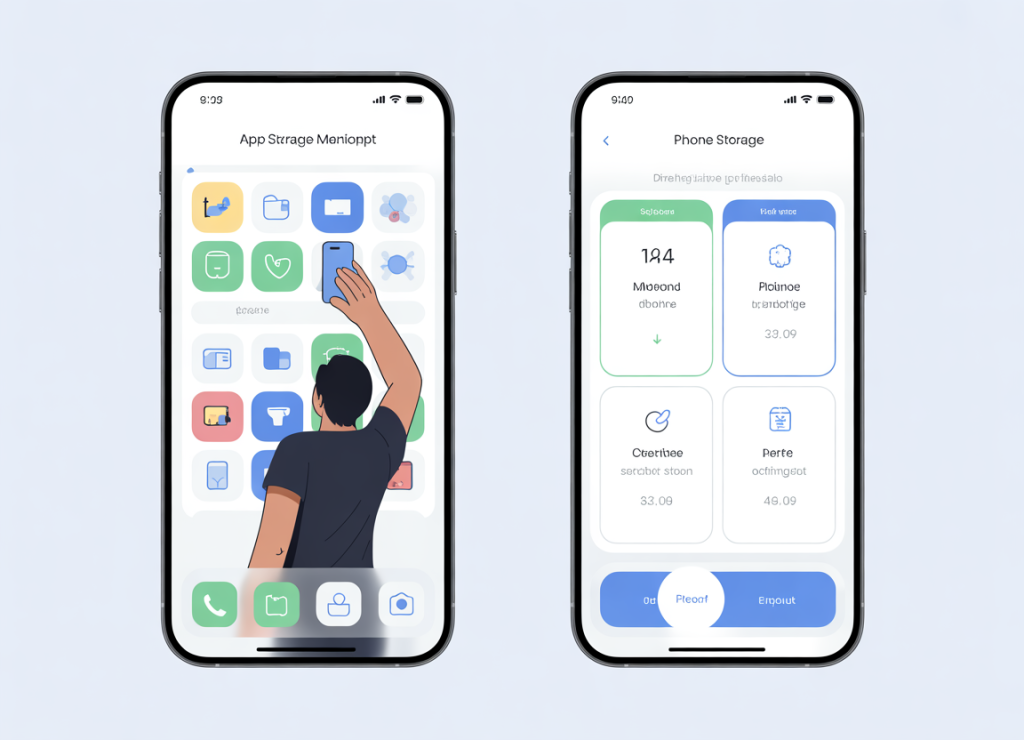
Understanding Apps and Their Impact
Apps are programs designed to perform specific tasks, such as messaging, browsing, editing photos, or managing finances. While apps are extremely useful, having too many installed can slow down your device and consume valuable storage. Learning how to manage phone storage effectively starts with understanding how apps impact your device’s performance.
To manage apps effectively:
- Regularly review installed apps
- Uninstall apps you no longer use
- Avoid downloading unnecessary duplicate apps
Keeping only essential apps not only improves device performance but also makes it easier to locate the apps you actually need. For more guidance on choosing essential apps, check out Google’s support page on app management.
How Phone Storage Works
Phone storage is the space where your device saves apps, photos, videos, documents, and system files. When storage becomes full, devices may:
- Slow down significantly
- Fail to install updates
- Crash frequently or freeze
Most devices provide a storage breakdown showing what takes up space. This makes it easier to manage phone storage efficiently by identifying files, apps, or media consuming excessive space. Understanding storage usage is key to planning how and when to delete or back up files to maintain optimal performance.
Tips for Managing Storage Space
To free up storage and manage phone storage effectively:
- Delete duplicate or blurry photos
- Move important files to cloud storage
- Clear app cache where applicable
- Remove downloaded files you no longer need
Cloud services like Google Drive or iCloud are especially helpful for backing up files while freeing local storage. Regularly cleaning storage ensures your device continues to run smoothly and avoids the frustration of hitting storage limits unexpectedly.
Managing App Permission
Apps often request access to features such as location, camera, microphone, or contacts. Reviewing app permissions helps protect your privacy, reduce background activity, and indirectly supports efforts to manage phone storage, since unnecessary permissions can lead to unwanted background data and cache buildup.
Best practices for managing app permissions include:
- Grant permissions only when necessary
- Revoke access for unused apps
- Use “allow while using app” options whenever available
By maintaining careful control over app permissions, you not only protect your data but also reduce unnecessary storage and memory usage on your device.
Understanding Software Updates
Software updates often include:
- Security patches
- Performance improvements
- Bug fixes
While updates may sometimes seem inconvenient, ignoring them can leave your device vulnerable to security risks and compatibility issues. Staying on top of updates is part of an effective strategy to manage phone storage, since outdated apps and system files can take up unnecessary space and slow down your device.
Best Update Practices
To manage updates efficiently:
- Enable automatic updates for security patches and essential apps
- Update apps over Wi-Fi to save mobile data
- Restart your device after major updates
- Back up data before updates to prevent potential data loss
Following these practices ensures that your device remains secure, efficient, and capable of handling new apps or files without running into storage issues.
Conclusion
Managing apps, storage, and updates doesn’t require technical expertise. Just awareness and consistency. By maintaining a clean app list, monitoring storage, reviewing app permissions, and staying updated, you can effectively manage phone storage, extend your device’s lifespan, and enjoy a smoother, faster digital experience.
For more tips on managing your smartphone’s storage, you can refer to Apple’s official guide on iPhone storage or Google’s Android storage guide.
revtalkstech.com.nghttps://revtalkstech.com.ng/