_


A slow smartphone can be frustrating, especially when buying a new one isn’t an option. Over time, devices may become sluggish due to storage clutter, outdated software, or too many background processes running at once. The good news is that you don’t always need advanced technical skills or extra spending to fix these issues. By making a few smart adjustments, it’s possible to improve smartphone performance and restore speed, responsiveness, and overall usability without purchasing a new device.

Clear Unnecessary Apps and Files
Unused apps and media files take up valuable storage space and can significantly slow down smartphone performance. When storage is almost full, the system struggles to function efficiently, leading to lag and app crashes.
To improve smartphone performance, regularly:
- Uninstall unused apps
- Delete duplicate or blurry photos
- Clear cached data from apps
Freeing up storage space allows your device to operate more smoothly and improves loading times. You can also move important photos and files to cloud storage to reduce local storage usage.
Update Your Operating System
Software updates often include performance improvements, bug fixes, and security patches. Running outdated software can cause compatibility issues with newer apps and lead to unnecessary slowdowns.
Keeping your device updated ensures:
- Better app compatibility
- Improved security
- Optimized system processes
Always back up your data before updating to avoid accidental data loss. Regular updates help your phone run more efficiently and extend its usable lifespan.
Limit Background Processes
Many apps continue running in the background even when you’re not actively using them. These background processes consume memory, processing power, and battery life, all of which affect overall performance.
To improve responsiveness, disable background activity for non-essential apps. You can also restrict background data usage and close apps you no longer need. Managing background processes helps your smartphone focus resources on the tasks that matter most.
Reduce Visual Effects
Animations, transitions, and live wallpapers may look appealing, but they use system resources that could otherwise improve performance. Older or mid-range devices are especially affected by excessive visual effects.
Switching to:
- Static wallpapers
- Reduced motion or animation settings
Can significantly improve performance and responsiveness. These changes reduce strain on the processor and help apps open faster.
Restart Regularly
Restarting your phone is a simple but effective way to improve smartphone performance. Over time, temporary files and background processes build up, slowing the system down.
Restarting clears temporary memory, refreshes system resources, and resolves minor glitches. Making this a weekly habit can prevent performance issues from piling up.
Monitor App Usage and Performance
Some apps are heavier than others and consume more system resources. Monitoring app performance allows you to identify apps that slow down your device.
If certain apps consistently cause lag, consider using lighter alternatives or limiting their usage. Keeping only essential and well-optimized apps improves speed and stability.
How to Improve Smartphone Performance Through Storage Optimization
Learning how to improve smartphone performance also involves managing storage wisely. When storage space becomes limited, your phone struggles to run background processes efficiently, leading to slower app launches and frequent lag.
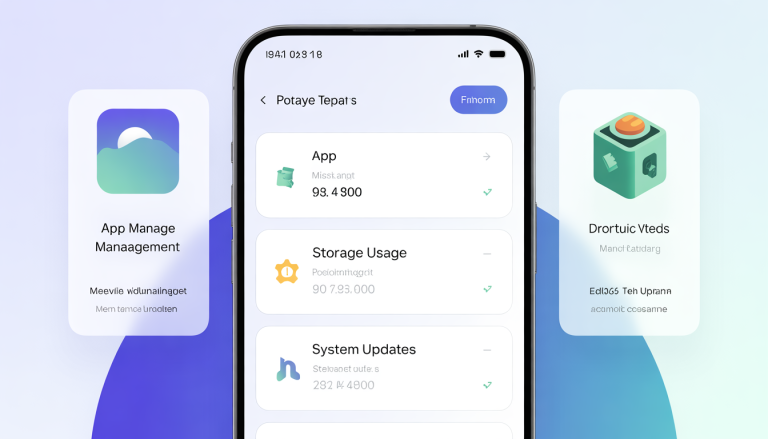
Start by checking your storage breakdown in device settings. This helps identify large files, unused downloads, and apps consuming excessive space. Removing unnecessary system files and clearing app cache regularly can free up memory and improve responsiveness.
Another effective way to improve smartphone performance is by moving photos, videos, and documents to cloud storage or external storage options where available. This reduces the load on internal storage and allows the operating system to function more smoothly.
Finally, avoid filling storage to its maximum capacity. Leaving some free space ensures your phone has enough room to process updates, temporary files, and system operations without slowing down.
Conclusion
You don’t always need a new phone to enjoy better performance. With proper maintenance, smart settings, and regular cleanups, your current device can remain fast and reliable for years. By managing storage, keeping software updated, limiting background activity, and reducing visual strain, you can significantly improve smartphone performance without buying a new device.